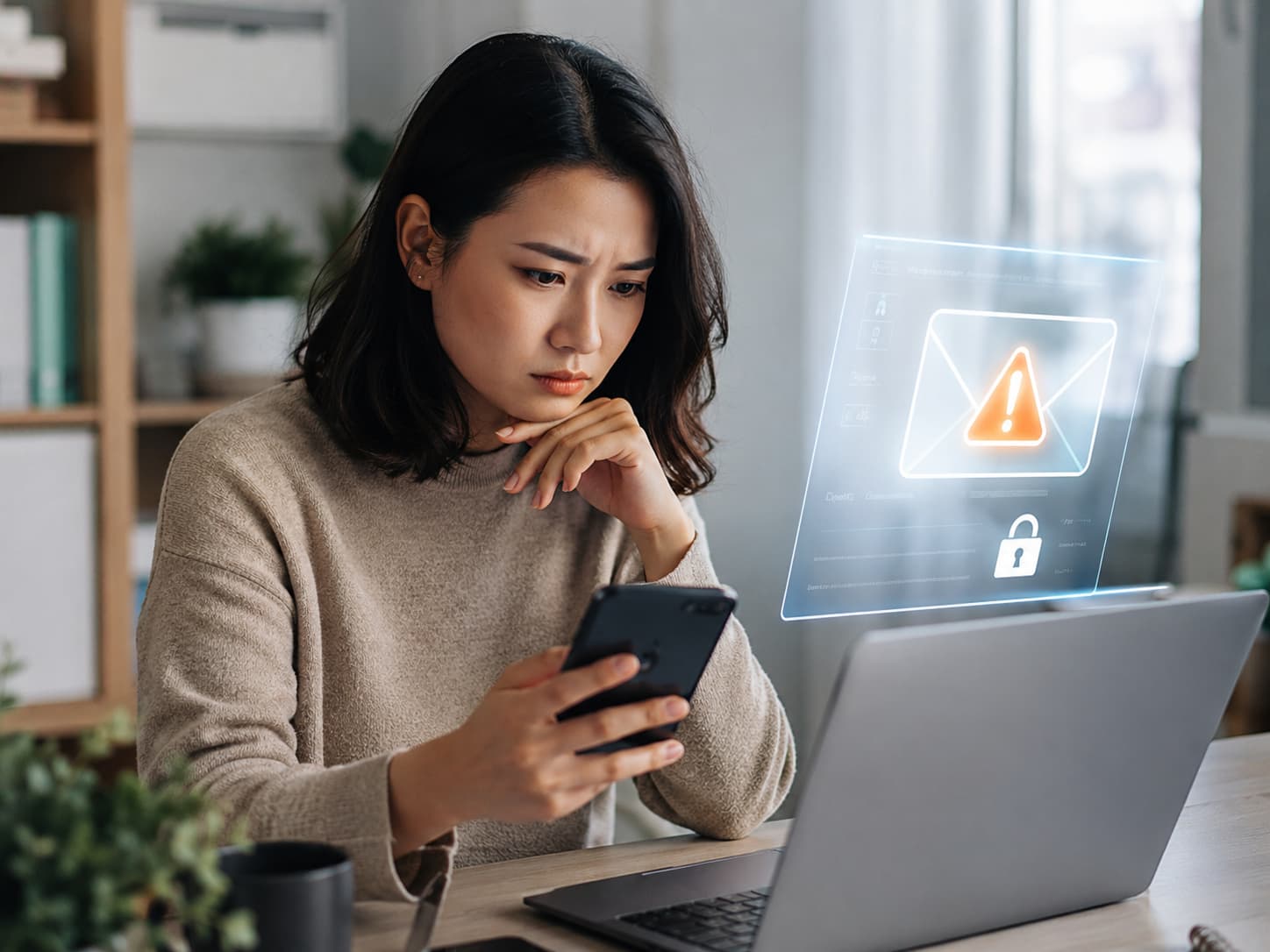
Most people receive so many emails that it becomes easy to ignore them. Newsletters, receipts, promotions, delivery updates, password reminders, app notifications, and social media messages all land in the same inbox. After a while, the inbox starts to feel like background noise. But some emails should never be treated as noise. Security alerts are different because they can be the first sign that someone is trying to access your account.
An email security alert is not always proof that something bad has happened. Sometimes it is simply a normal notification after you log in from a new device, change a setting, or update your password. But the point of the alert is to give you a chance to check whether the activity was yours. If it was not, the email may be the earliest warning you get before real damage happens.
Login and Password Alerts
One of the most important alerts is a notification about a new login. Many services send an email when your account is accessed from a new device, browser, country, or IP address. If you just bought a new phone or signed in while traveling, this may be harmless. But if the login happened from a place you do not recognize, or at a time when you were not using the account, you should act quickly.
The right response is not to panic, but to verify. Open the official app or type the website address directly into your browser. Do not click links in a suspicious email unless you are sure it is real. Check active sessions if the service offers that option. Log out of unknown devices. Change your password if needed. Turn on two-factor authentication if it is not already active.
Password reset emails also deserve immediate attention. If you requested the reset, the email is normal. If you did not, someone may be trying to take over the account. A password reset request can mean that someone knows your email address and is testing access. It can also mean that your password has already been leaked somewhere and the attacker is trying to finish the takeover.
A single unexpected password reset email does not always mean your account is compromised, but it should not be ignored. If the service allows it, check recent activity. Make sure your recovery email and phone number have not changed. Review your password manager or saved passwords. If you use the same password on other sites, replace it with a unique one.
Another serious warning is an alert that your password was changed. This is more urgent than a reset request. If you did not change the password yourself, someone may already have access. In that case, you should try to recover the account immediately through the official website. After regaining access, check connected devices, recovery methods, linked apps, payment details, and recent actions. A stolen account is not always used immediately. Sometimes attackers quietly change settings first.
Account Changes That Can Signal a Takeover
Emails about changes to your recovery information are critical. These include alerts saying that a recovery email was added, a phone number was changed, a backup code was generated, or a security question was updated. Recovery information controls how you regain access if you are locked out. If an attacker changes it, they can make account recovery much harder for you later.
This type of alert is easy to underestimate because it may not look dramatic. It might say only that your recovery phone was updated or a new email address was added. But that small change can be the start of a takeover. If you did not make the change, treat it as urgent.
Two-factor authentication alerts are just as important. If you receive an email saying that 2FA was turned off, a new authenticator app was added, or backup codes were created, check the account immediately. Two-factor authentication is one of the strongest barriers between your account and an attacker. If someone is trying to disable it, they may already have your password or access to part of your account.
Another alert you should not ignore is a notification about a new connected app or third-party access. Many accounts allow other apps to connect to them. This can be useful for calendars, cloud storage, email clients, games, marketing tools, payment apps, or productivity services. But third-party access can also become a hidden security risk. If an unknown app connects to your account, it may be able to read data, send messages, download files, or collect personal information.
Review connected apps regularly, especially after receiving an alert. Remove anything you do not recognize. Be careful with old apps you no longer use. A forgotten connection can remain active long after you stop thinking about it.
Payment and billing alerts are another category that deserves attention. Emails about a new payment method, changed billing address, unusual purchase, subscription upgrade, or failed login to a financial account should be reviewed carefully. Even if the amount is small, the alert may show that someone is testing the account. Attackers often start with low-risk actions before making larger changes.
The same applies to marketplace and shopping accounts. A new shipping address, changed phone number, or unexpected order confirmation can be a sign that someone is using your account for fraud. These emails may look like ordinary receipts, but the details matter. Always check the address, product, payment method, and date.
How to Check Alerts Without Falling for Fake Ones
Some alerts warn that your email address itself was used to create or verify an account. If you did not create that account, the reason may be harmless. Someone may have typed the wrong address. But it can also be part of spam, fraud, or account abuse. You do not always need to take action, but you should avoid confirming anything you did not start. Never click a verification button just to clean up the email.
There is also a different risk: fake security alerts. Attackers know that urgent security emails make people react quickly. A fake alert may say your account will be locked, your payment failed, or someone tried to log in. The goal is to make you click a phishing link and enter your password. That is why every security alert should be handled carefully.
A good rule is simple. Treat the alert as important, but do not trust the email blindly. Check the sender address. Look for spelling errors or strange domains. Avoid downloading attachments. Do not enter passwords through links in suspicious emails. Go directly to the service through the official app or website.
Email security alerts matter because email is connected to almost every part of online life. Your inbox may control shopping accounts, bank notifications, cloud files, work tools, social profiles, gaming accounts, travel bookings, subscriptions, and password resets. If you miss the first warning, the problem can spread.
Not every alert means danger. But every unexpected alert deserves a quick check. A few minutes of attention can prevent account theft, payment fraud, identity misuse, or a long recovery process. The inbox may be full of noise, but security emails are not ordinary messages. They are early warning signals, and the safest habit is to read them before someone else turns a small warning into a serious problem.
Leave a Reply