Email has been part of online life for decades, and many people expected it to become less important. Messaging apps became faster. Social login made registration easier. Phone numbers became common for verification. Passkeys started replacing passwords. Yet email still remains the main key to most online accounts. It is not perfect, but it continues to sit at the center of digital identity.
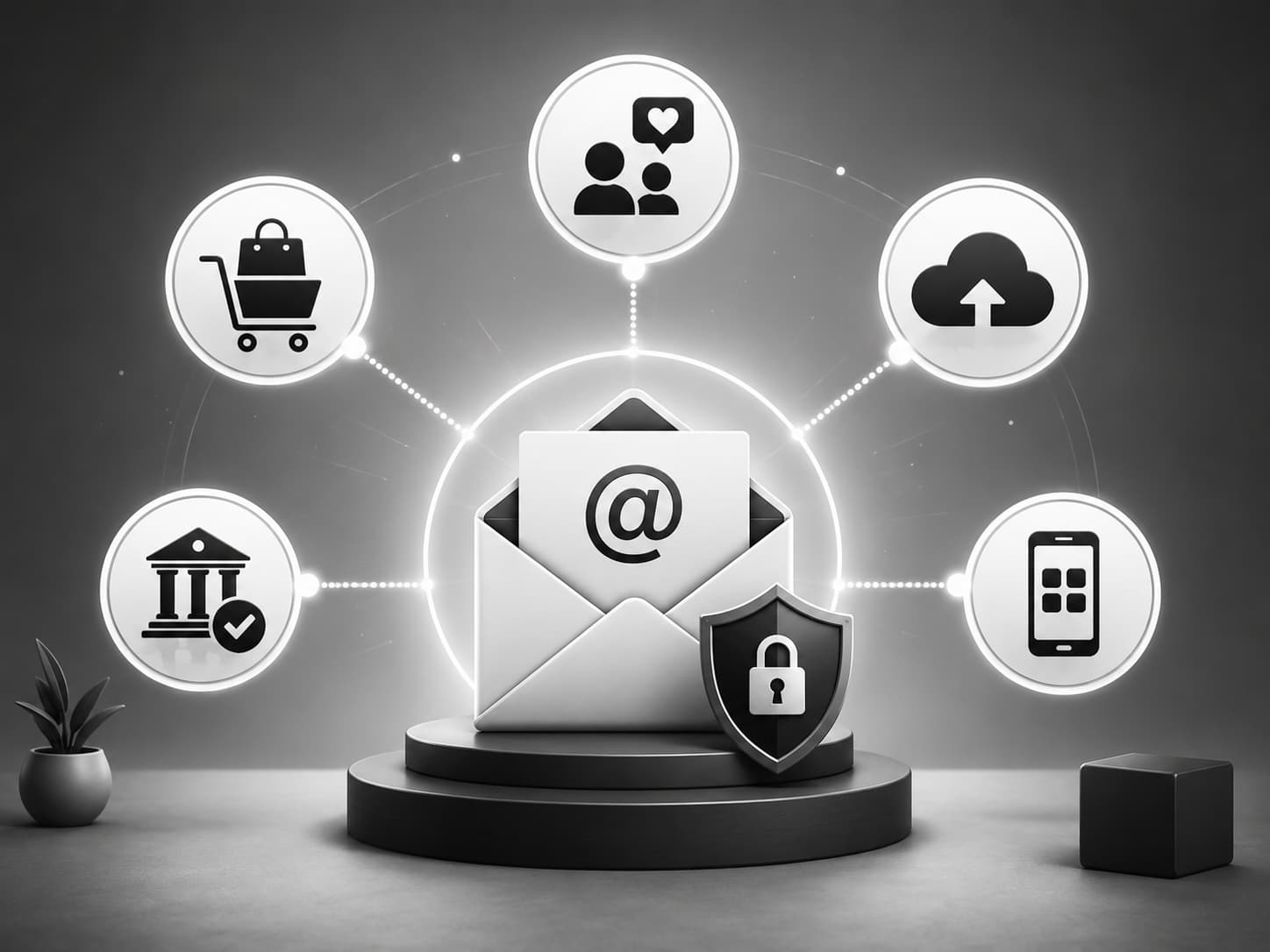
The reason is simple: email does many jobs at once. It is a login name, a confirmation channel, a recovery tool, a security alert system, a receipt archive, a communication method, and often the only stable connection between a user and an online service. Other tools can replace parts of email, but very few replace the whole system.
When a person creates an account on a shopping site, banking app, social platform, cloud service, travel website, or work tool, the email address often becomes the account’s anchor. It confirms that the user can receive messages. It gives the service a way to send password resets. It stores invoices, warnings, updates, legal notices, and login alerts. Even if the user later signs in with a phone number or biometric method, the email address often remains in the background as the backup route.
This is why losing access to an email account can be so serious. A mailbox is not only a place for messages. It is often the control room for dozens or even hundreds of other accounts. If someone controls your email, they may be able to reset passwords, approve login attempts, find receipts, discover which services you use, and attack your other accounts one by one. This is why protecting the main inbox matters more than many people realize.
Phone numbers became one of the strongest alternatives to email. They are easy to understand, easy to verify, and useful for quick security codes. Many apps now allow sign-up with a phone number instead of an email address. For mobile-first users, this can feel simpler. The problem is that phone numbers are not always stable. People change numbers, move countries, lose SIM cards, or switch providers. Phone numbers are also vulnerable to SIM-swap attacks, where criminals try to take control of a number through the mobile provider.
A phone number is useful, but it is not always a better identity key. It can be more personal than email and harder to separate between different areas of life. Many users are comfortable creating several email addresses, but they usually have only one or two phone numbers. That makes the phone number powerful, but also risky.
Social login is another common alternative. Signing in with Google, Apple, Facebook, or Microsoft can save time. It reduces password fatigue and makes registration faster. Users do not have to create a new password for every service, and companies can reduce friction in the sign-up process.
But social login creates another problem: dependency. If one large platform becomes the key to many smaller accounts, then losing access to that main platform can create a chain reaction. A blocked Google account, a lost Apple ID, or a compromised Facebook profile can affect many connected services. Social login is convenient, but it concentrates risk. Email does something similar, but users often have more control over how many email addresses they use and which accounts they connect to each one.
Passkeys are one of the most important changes in online security. They allow users to sign in without typing a traditional password. A passkey can work through Face ID, Touch ID, Windows Hello, or a security key. This reduces phishing risk because there is no password to steal in the usual way. For many accounts, passkeys are safer and smoother than email-plus-password login.
Still, passkeys have not removed email from the account system. Email is often still used for account setup, recovery, notifications, and security communication. A passkey helps you enter the account, but email often remains the channel that explains what is happening with the account. If a user loses a device, moves to a new phone, or needs to recover access, email may still be part of the process.
Messaging apps also seem like possible email replacements. Telegram, WhatsApp, Signal, iMessage, and other apps are faster than email for everyday communication. People read messages there more quickly, and notifications feel more immediate. Some companies already use messengers for support, delivery updates, or verification.
But messaging apps are not designed as long-term account archives. They are excellent for conversations, but weaker for receipts, official notices, searchable records, and account history. A person may scroll through a chat, but they usually search their inbox when they need an old booking confirmation, invoice, password reset, or service notice. Email is slower, but it is more archival.
Push notifications inside apps are useful too. Banks, delivery services, marketplaces, and productivity tools often send important alerts directly through their apps. This is convenient because the message appears where the action happens. A banking app can ask the user to approve a login. A marketplace can confirm an order. A work app can show a deadline.
The weakness is that push notifications depend on the app, device, and login session. If the phone is lost, the app is deleted, notifications are turned off, or the account is locked, the user may need another recovery channel. That channel is often email.
This explains why email has survived. It is not because email is the fastest tool. It is not because it is the safest tool by default. It is because email is flexible, open, universal, and accepted almost everywhere. A Gmail address, Outlook address, Yahoo address, company email, or custom domain email can work across banks, shops, apps, forums, work tools, newsletters, booking systems, and government services. Most alternatives work well only inside certain platforms or ecosystems.
Email also supports separation. A user can keep one address for work, another for shopping, another for personal life, and another for testing or temporary registrations. This makes email useful for digital hygiene. The same person can organize identity into layers. A phone number does not offer that flexibility as easily.
For businesses, email remains important because it is familiar and legally practical. Companies can send terms updates, receipts, invoices, verification links, support replies, and policy notices through email. These messages can be stored, forwarded, searched, and documented. That makes email useful not only for convenience, but also for accountability.
At the same time, email’s central role creates responsibility. Users should treat their main inbox like a critical account, not like a casual mailbox. A strong password, two-factor authentication, recovery options, spam awareness, and regular cleanup are basic protections. If the main email account is weak, every connected account becomes weaker too.
Email may not feel modern, but it remains the backbone of online identity. Phone numbers, social login, passkeys, messengers, push notifications, and biometrics all solve real problems. Some are better than email for security or speed. But most of them replace only one part of email’s role.
Email survives because it connects registration, recovery, alerts, records, and communication in one place. Until another system can do all of that across the entire internet, email will remain the main key to most online accounts.
Leave a Reply